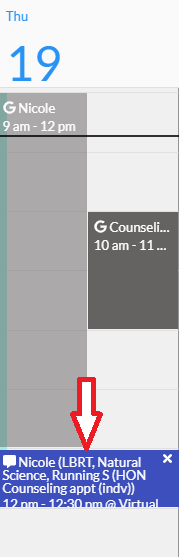
An appointment with your academic counselor should have already been created. Find the date/time of the assigned appointment and click on the actual appointment.
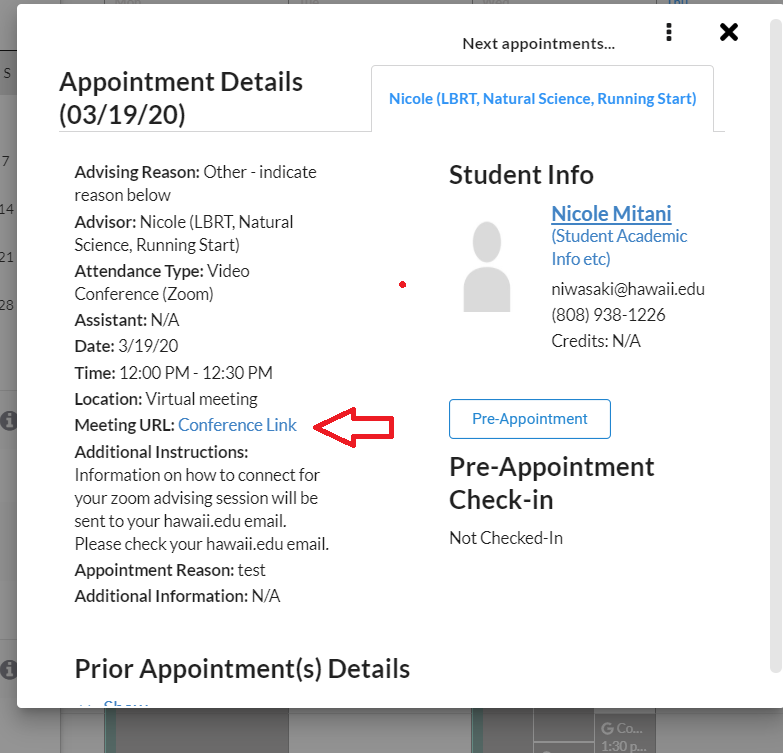
A pop-up window will appear. Find the 鈥淢eeting URL鈥� and click on 鈥淐onference Link鈥�.
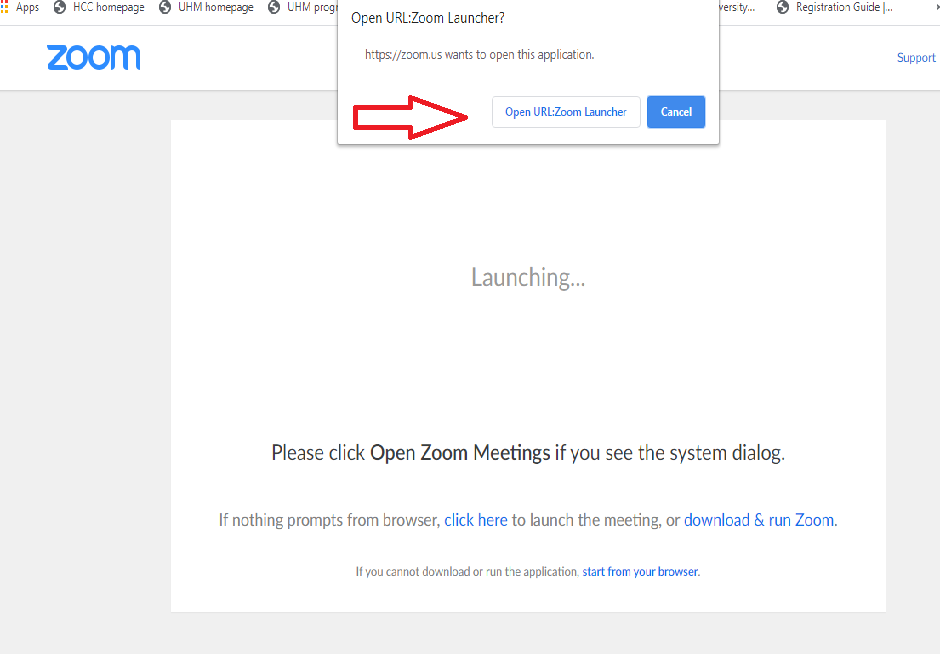
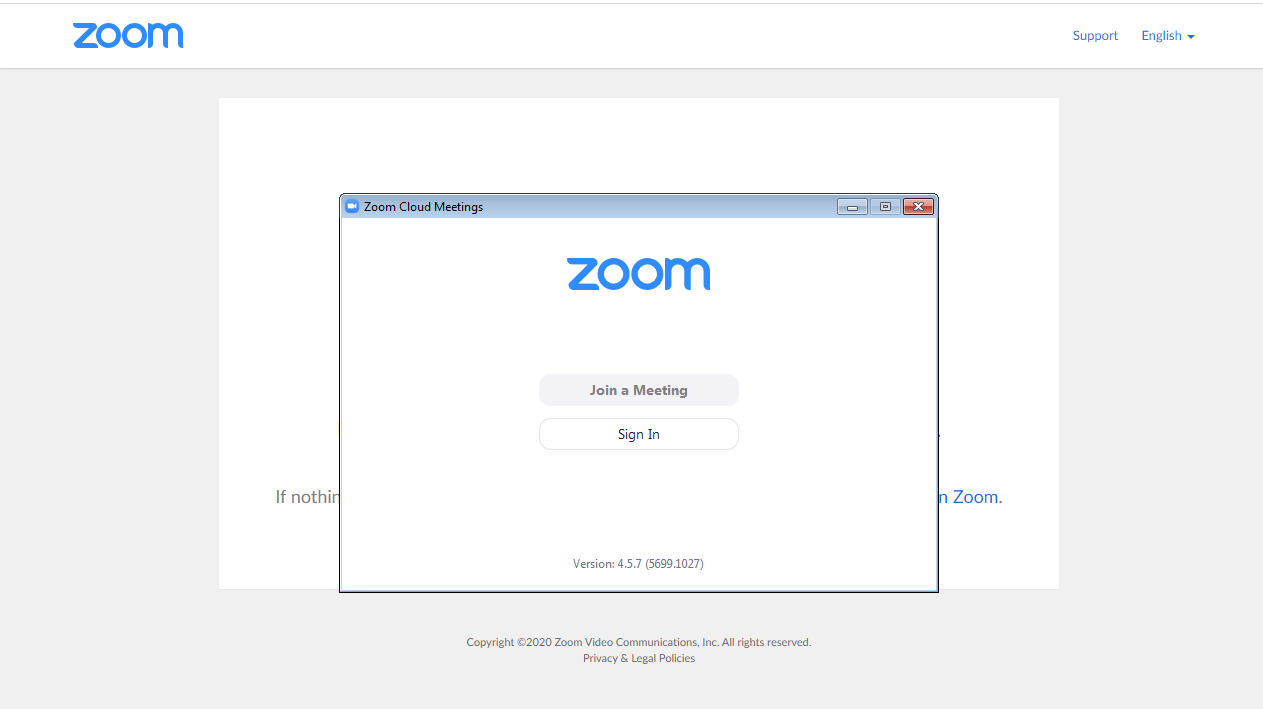
Another window will appear. Click on 鈥淥pen URL:Zoom Launcher鈥�.
Click on 鈥淛oin a Meeting鈥�. NOTE: You may have to wait until the host (your academic counselor) is on Zoom to join.
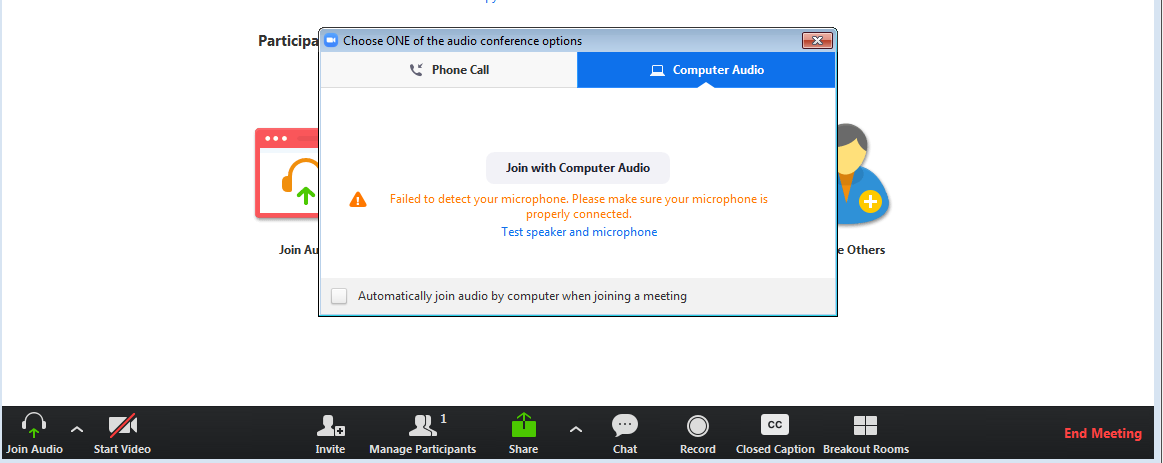
A window will appear that gives you the option to join by phone call or join with computer audio. Click on 鈥淛oin with Computer Audio鈥�.
You can also test your speaker and microphone for the sound capabilities on your computer by clicking on 鈥淭est speaker and microphone鈥�. Follow the prompts to test.
When your appointment session is finished, go to the bottom right corner and click on 鈥淓nd Meeting鈥� (in red).